syncX: Preorder: Quick Start Guide
syncX: Preorder helps enable pre-order and backorder sales on your Shopify store. In this guide, we’ll give you a quick overview of what the app does and the key features that will help you start selling even when products are out of stock.
What does the app do?
syncX: Preorder allows you to sell products before they’re available, even when they’re out of stock. Instead of missing out on potential sales, you can collect preorders or backorders effortlessly, while keeping customers informed and engaged.
Key Features
🛒Pre-order
Easily enable pre-order for products that aren’t yet available. You can start accepting orders before restocks or new launches without worrying about product availability.
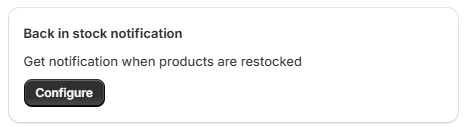
🔁 Back in Stock
Capture customer demand by showing "Notify me" buttons and collecting emails for restock alerts. Easily convert lost interest into future sales.
⚙️ Settings
Customize how Preorder and Back in Stock elements appear on your storefront. Adjust colors, styles and email content to match your brand’s design and customer experience.

💰 App Pricing
As your store grows, easily upgrade to unlock more features and capabilities.
🌍 Translations
Customize all button text and messaging in multiple languages. Perfect for international stores or multi-language themes.

📈 Reports
View a list of orders for both preorder and back-in-stock items. Track the status of these orders to keep an eye on sales and fulfillment.

📊 Analytics
Monitor real-time data and get detailed insights into your campaigns’ performance. Track the number of items sold and the revenue generated from pre-order and back-in-stock products.

Finish onboarding and create your first campaign
Don't forget to follow the onboarding guide at the Dashboard to make sure your offer works properly. Once you have finished it, it is time to create your first campaign:
Introduction to Preorder Campaign
Introduction to Back in Stock Campaign