How to use syncX: SKU & Barcode Scan available shortcuts?
syncX: SKU & Barcode Scan now supports shortcut keys!
You no longer need to manually select the update method or quantity each time you scan or input a barcode.
Available Shortcut Keys:
+ : Increment
- : Decrement
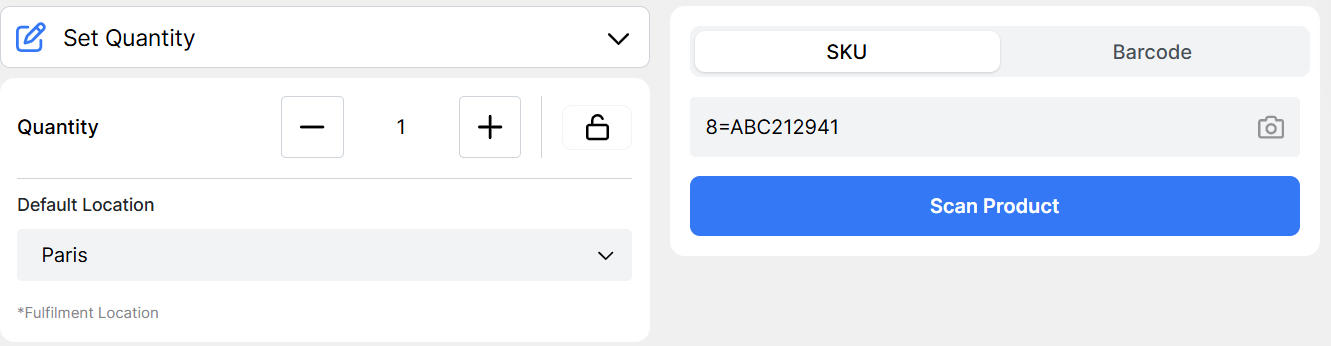
= : Set Quantity
How to Use:
Enter the quantity followed by the symbol and then the barcode or SKU in the input field.
Examples:
To increment barcode
ABC212941by 10: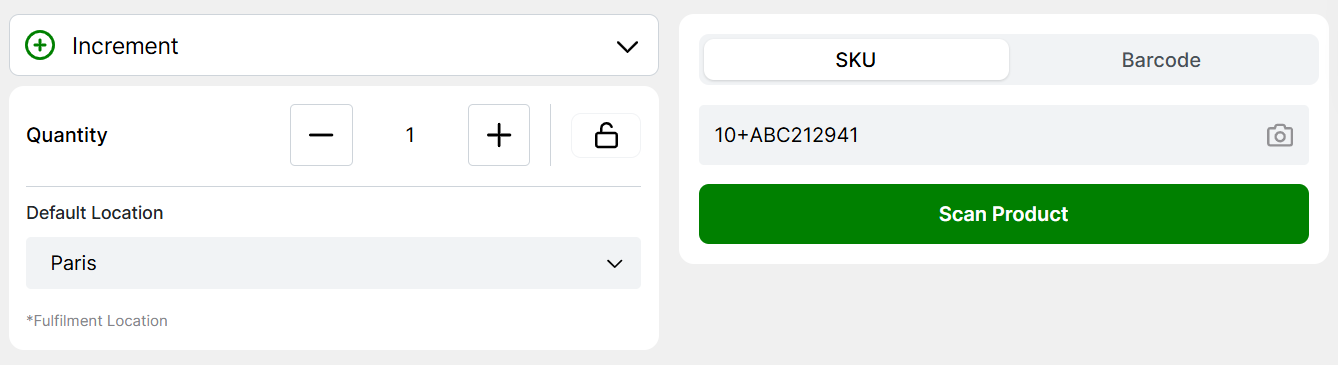
To decrement barcode
ABC212941by 5: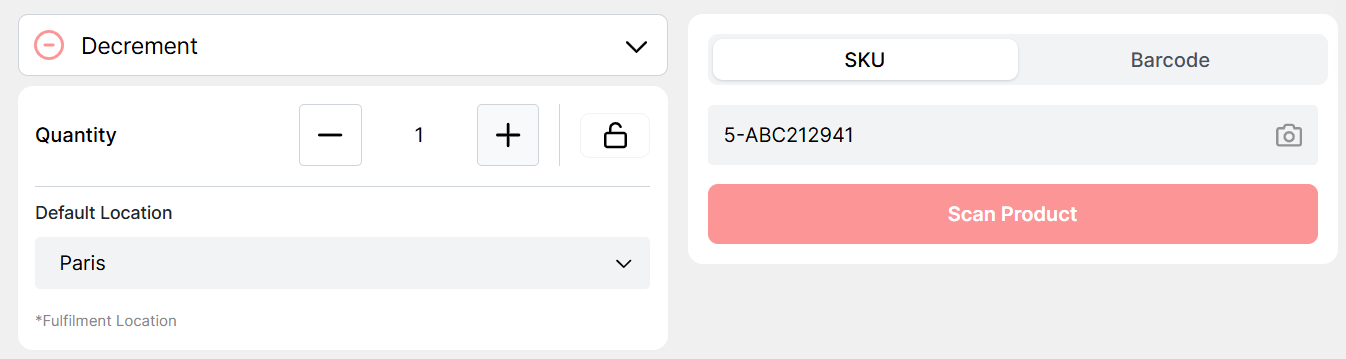
To set the quantity of barcode
ABC212941to 8: